
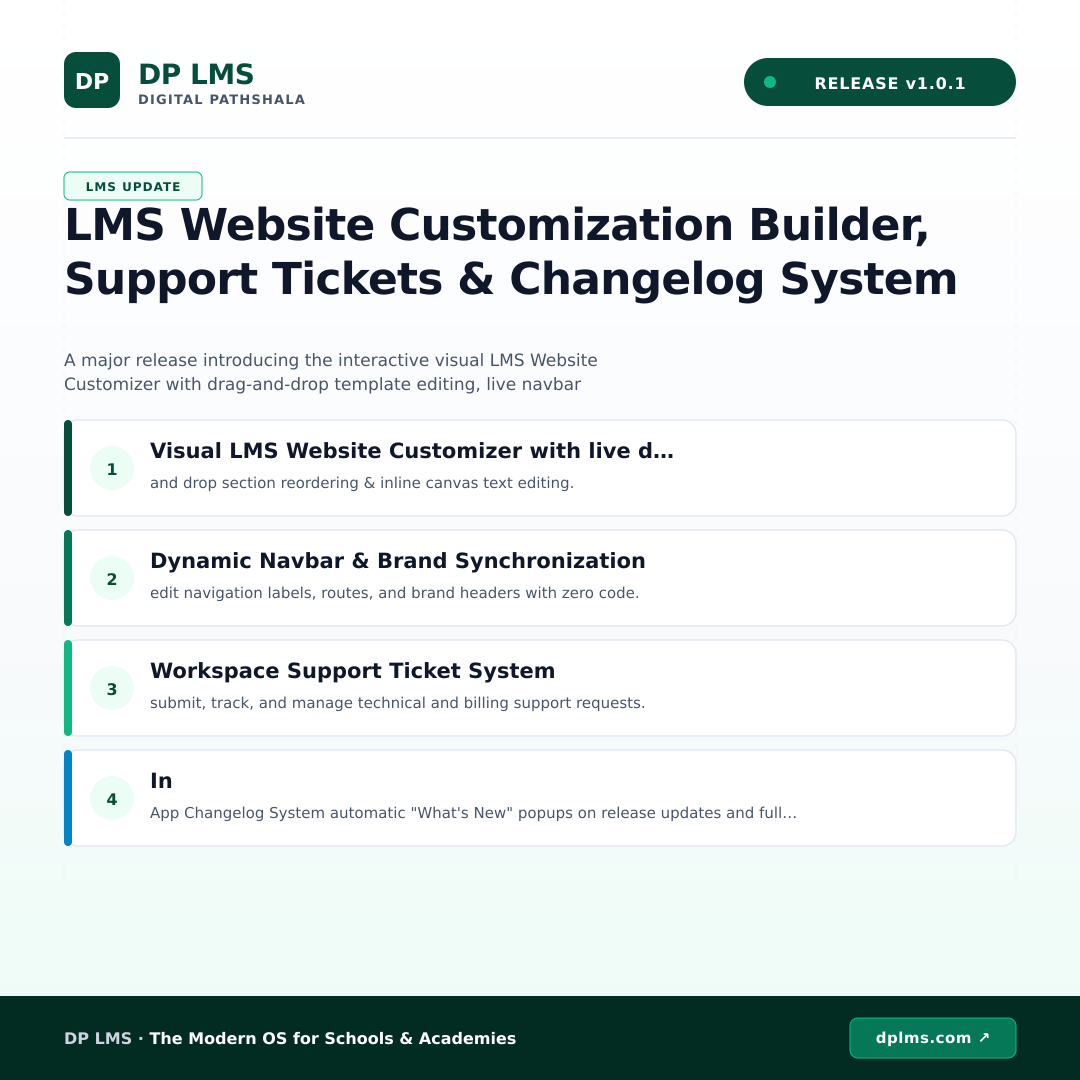
DP LMS v1.0.1 Release Notes | LMS Website Customization Builder, Support Tickets & Changelog System
Discover the latest DP LMS v1.0.1 release, featuring an interactive visual website customizer, integrated support ticketing, and an automated changelog engine designed to empower modern educational institutions.
At DP LMS, we are continually committed to empowering educational institutions, schools, colleges, and training academies with advanced, scalable, and intuitive digital infrastructure. Today, we are thrilled to announce the official release of DP LMS version 1.0.1—a major milestone designed to give administrators total design freedom, streamlined support workflows, and absolute transparency. This comprehensive update bridges the gap between powerful learning management technology and seamless user experience, ensuring your institution delivers a polished, professional, and fully supported digital campus from day one.
What's New in Version 1.0.1
Version 1.0.1 represents a massive leap forward in platform flexibility and administrative efficiency. Our primary focus for this release is putting absolute creative control directly into the hands of school administrators and IT teams while simultaneously strengthening the communication channels between your staff and our technical engineers. By introducing a suite of codeless visual tools alongside robust workspace management utilities, this update transforms how educational institutions build, manage, and maintain their online presence and internal workflows.
Key Features & Capabilities
- Visual LMS Website Customizer: Take complete ownership of your digital front door with our interactive visual builder. Featuring intuitive drag-and-drop section reordering and inline canvas text editing, you can shape your institution's public-facing portal in real time without writing a single line of code.
- Dynamic Navbar & Brand Synchronization: Effortlessly align your portal's navigation with your institutional identity. Edit navigation labels, customize routing paths, and update brand headers seamlessly with instant live synchronization across all connected pages.
- Workspace Support Ticket System: Keep administrative operations running smoothly with our integrated help desk. Staff and administrators can now submit, track, and manage technical and billing support requests directly inside the ecosystem, ensuring rapid resolution times.
- In-App Changelog System: Stay fully informed of platform updates with automated "What's New" popups that activate upon every release. Explore comprehensive platform enhancements through our fully integrated public and in-app changelog timeline.
Why This Matters for Institutes
In the fast-paced world of modern education, time is one of your most valuable assets. The powerful additions in version 1.0.1 translate directly into massive time savings and heightened organizational efficiency. By eliminating the need for external web developers to make minor frontend layout adjustments, your marketing and administrative teams can publish updates instantly. Furthermore, the centralized support desk and automated changelog ensure that your staff spends less time troubleshooting and more time focusing on student success, institutional growth, and academic excellence.
Educational technology should simplify your operations, not complicate them. With these new tools, your institution benefits from a unified ecosystem where branding, platform updates, and dedicated support coexist harmoniously, delivering a superior experience for students, faculty, and administrators alike.
How to Start Using These Features
Activating these new capabilities is fast and straightforward. Simply log into your institute admin dashboard to explore the updated navigation and settings panels. The Visual Website Customizer is accessible directly from your main layout manager, where you can immediately begin dragging, dropping, and editing your pages live. To submit inquiries or check platform update notes, navigate to the newly added Support and Changelog sections within your workspace sidebar.
Ready to elevate your institution? Get started with DP LMS today or view full details on our Product Changelog.
Tags
Related articles
Introducing DP LMS v1.0.3: Curriculum Hierarchy & Streamlined Question Bank Management
DP LMS v1.0.3 brings a major enhancement to our Quiz and Question Bank module, introducing robust curriculum hierarchies and streamlined quick-filter pills. Empower your educational institution with efficient question organization and a seamless administrative workflow.
Essential Features to Look for in a Modern School Management System
Discover the essential features every modern school management system needs in 2026. Compare ERP, LMS, and white-label tools to scale your institute.
Learning Management System Software Comparison: Choosing the Right EdTech
Compare learning management system software for schools and institutes. Explore features, scalability, and how DP-LMS unifies LMS, school ERP, and white-label tools.